
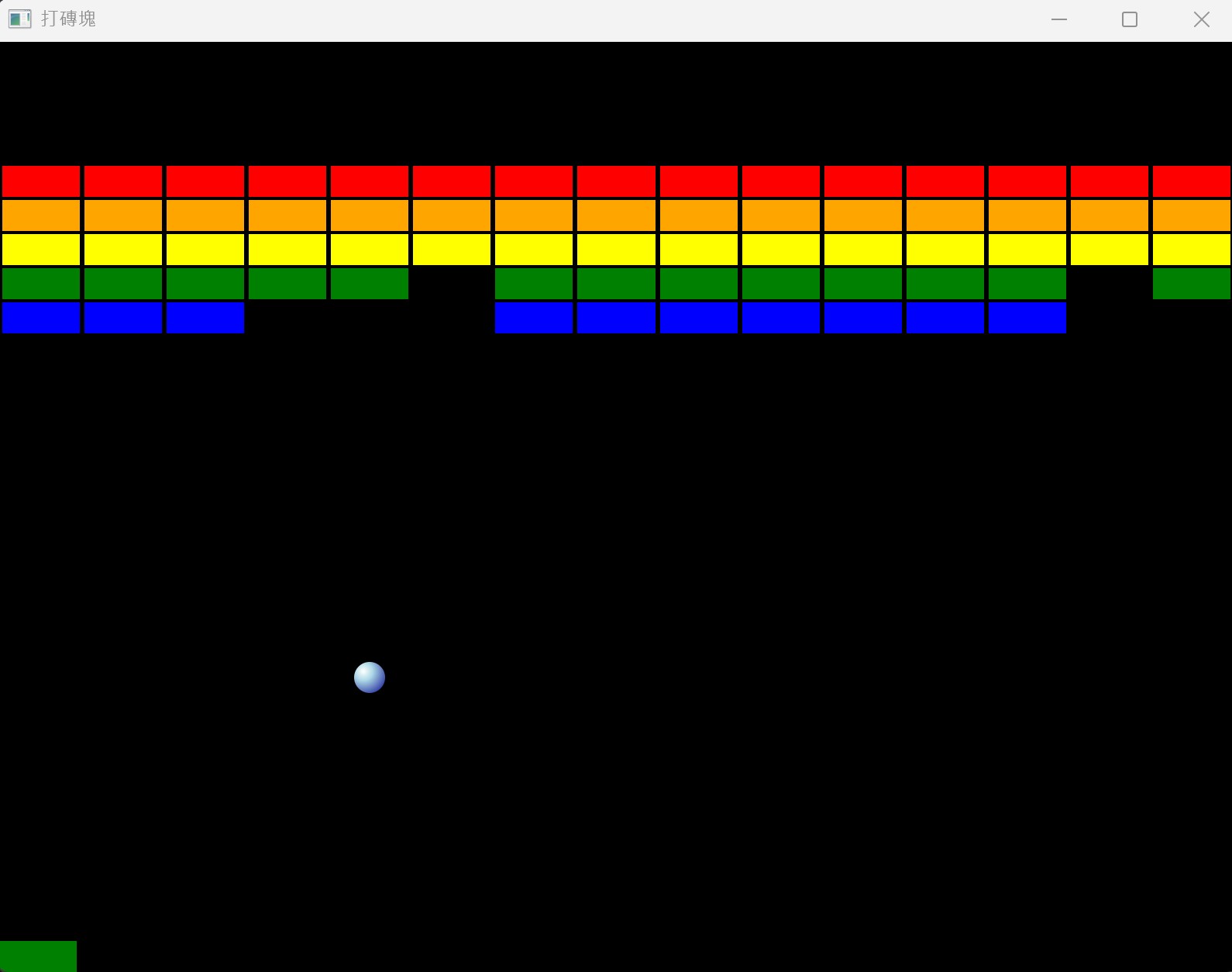
本專案使用 Python 撰寫打磚塊遊戲,完整專案請由 py_brick.zip 下載。
安裝套件
請安裝 pyside6 及 pygame,pygame 是播放音效的套件。
pip install pyside6 pygame
Pyside UI 階層
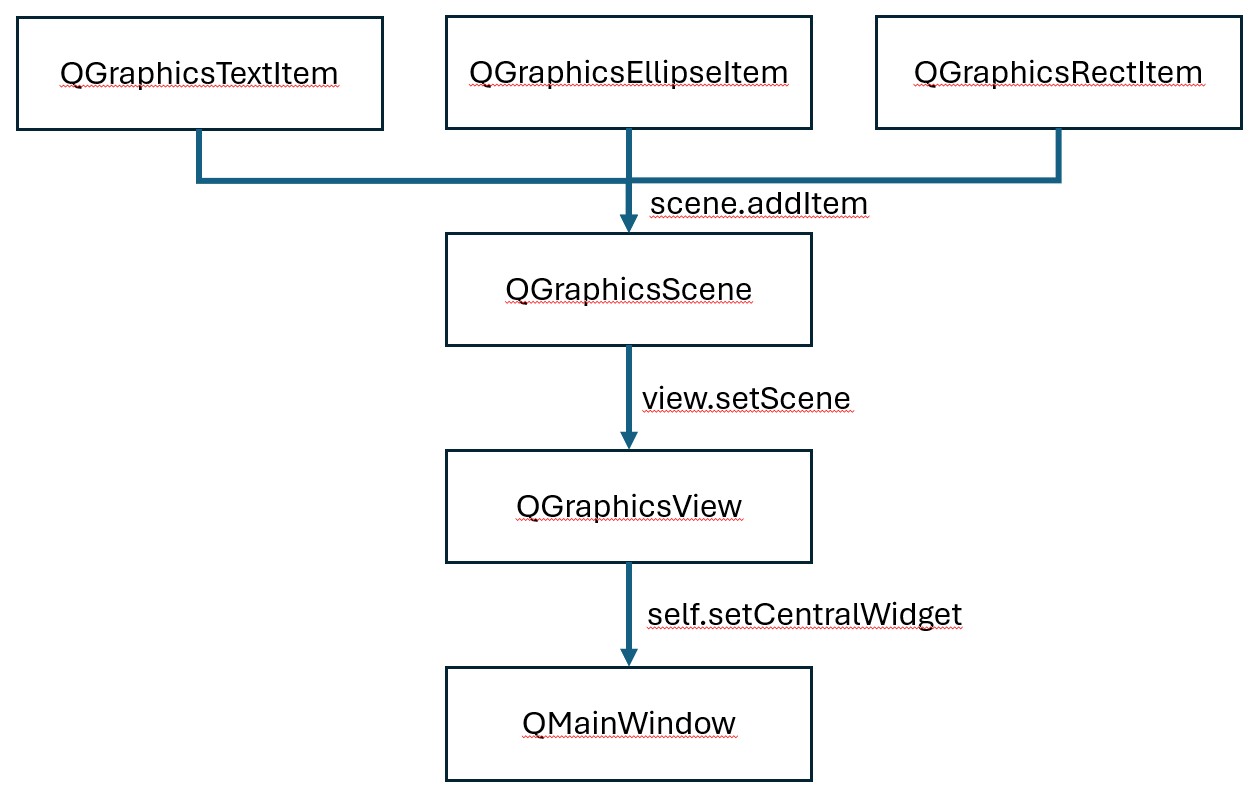
元件 -> scene -> view -> centralWidget -> QMainWindow
QMainWindow
  └── centralWidget
        └── QGraphicsView
              └── QGraphicsScene
                    └── QGraphicsItem
各階層加入的方式如下
UI 元件不可同時繼承 QThread
UI 元件繼承 QThread 後,回傳的 callback 會遭到破壞,確認中
GraphicsView
GraphicsView 是控制 mouseEvent 的主要元件,所以需自訂 GraphicsView,然後撰寫 mouseMoveEvent
self.bar.pos().x()
取得 scene 的座標
todo
self.bar.rect().x()
取得 bar 的內部座標
GameView.py
GameView 負責 Mouse 移動監控事件,完整代碼如下。
from PySide6.QtWidgets import QGraphicsView
class GameView(QGraphicsView):
    def __init__(self, app):
        super().__init__()
        self.app = app
        self.setMouseTracking(True)

    def mouseMoveEvent(self, event):
        self.app.bar.setX(event.position().x() - self.app.bar.rect().width() / 2)
Ball.py
Ball 繼承 QGraphicsEllipseItem UI 類別,UI 元件不能同時繼承 QThread ,否則 callback 會回傳遭到破壞的錯誤,完整 Ball.py 代碼如下。